SchoolPay Info
Accessing SchoolPay is quick and easy. Follow the steps below to get started. If you need to register, you can  download the registration form.


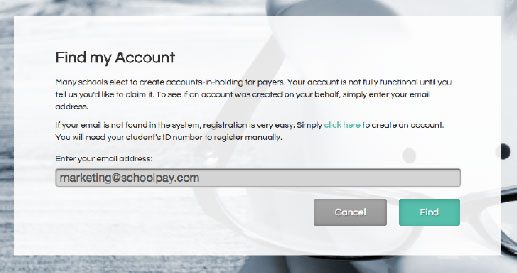
Enter your email address into the field provided and click “Find”. You will receive an email shortly.

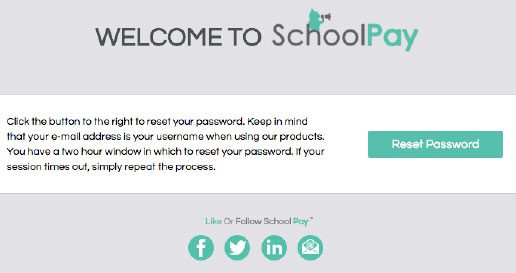
When you receive your email click on the Reset Password button. You can then set your own password and begin using SchoolPay.